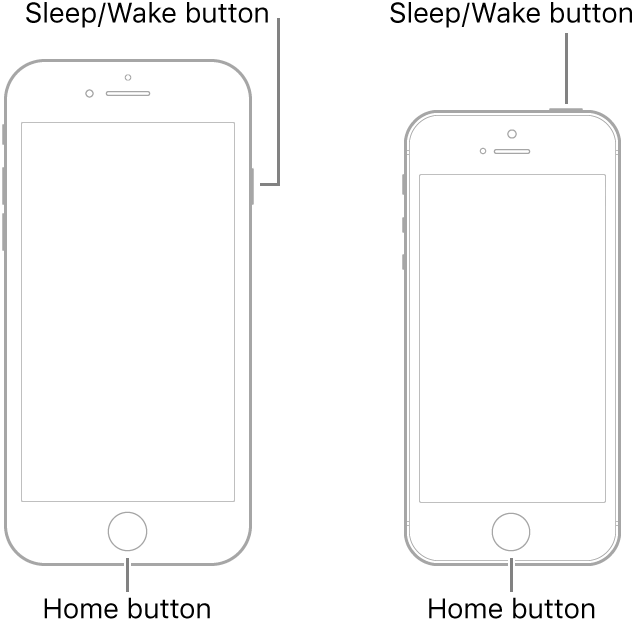
Force restart iPhone
If iPhone isn’t responding, and you can’t turn it off and on, try forcing it to restart.
Force restart iPhone
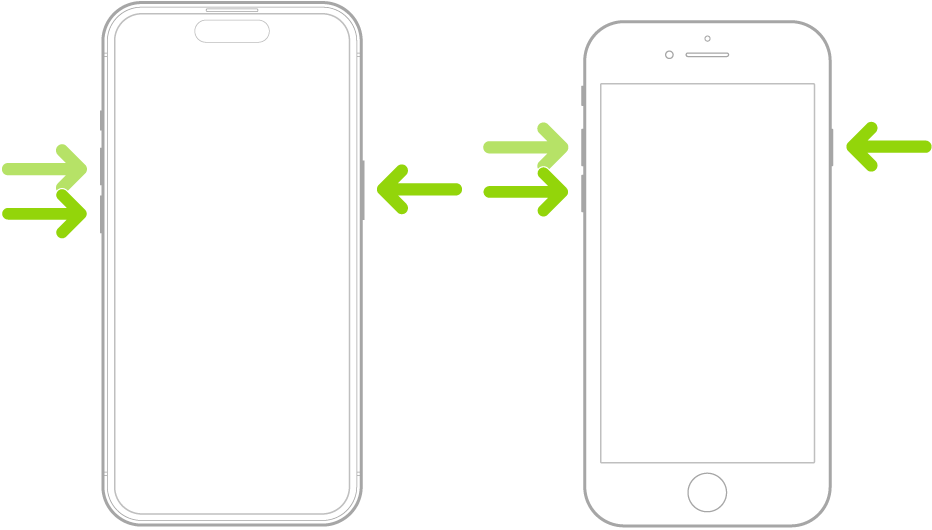
- Press and quickly release the volume up button.
- Press and quickly release the volume down button.
- Press and hold the side button.
- When the Apple logo appears, release the button.
Force restart Older Models
Force restart iPhone 8 or iPhone SE (2nd generation)
Press and quickly release the volume up button, press and quickly release the volume down button, then press and hold the side button. When the Apple logo appears, release the button.
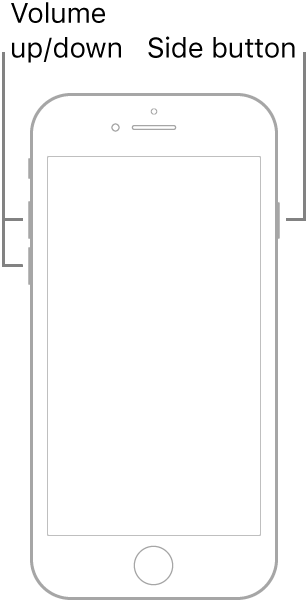
Force restart iPhone 7
Press and hold both the volume down button and the Sleep/Wake button at the same time. When the Apple logo appears, release both buttons.
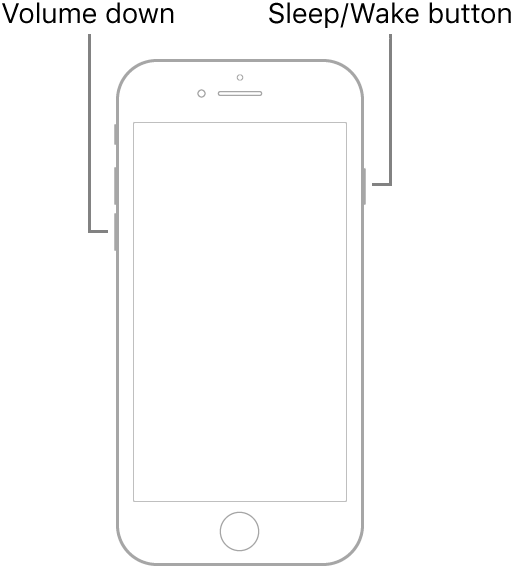
Force restart iPhone 6s or iPhone SE (1st generation)
Press and hold both the Sleep/Wake button and the Home button at the same time. When the Apple logo appears, release both buttons.